A visual tour of Agora
Six screens that cover most of what Agora does, in the order you would meet them. Each one links to the guide that explains it properly.
Every capture uses fixed synthetic data. None contain usernames, tokens, local paths, server addresses, or private packs.
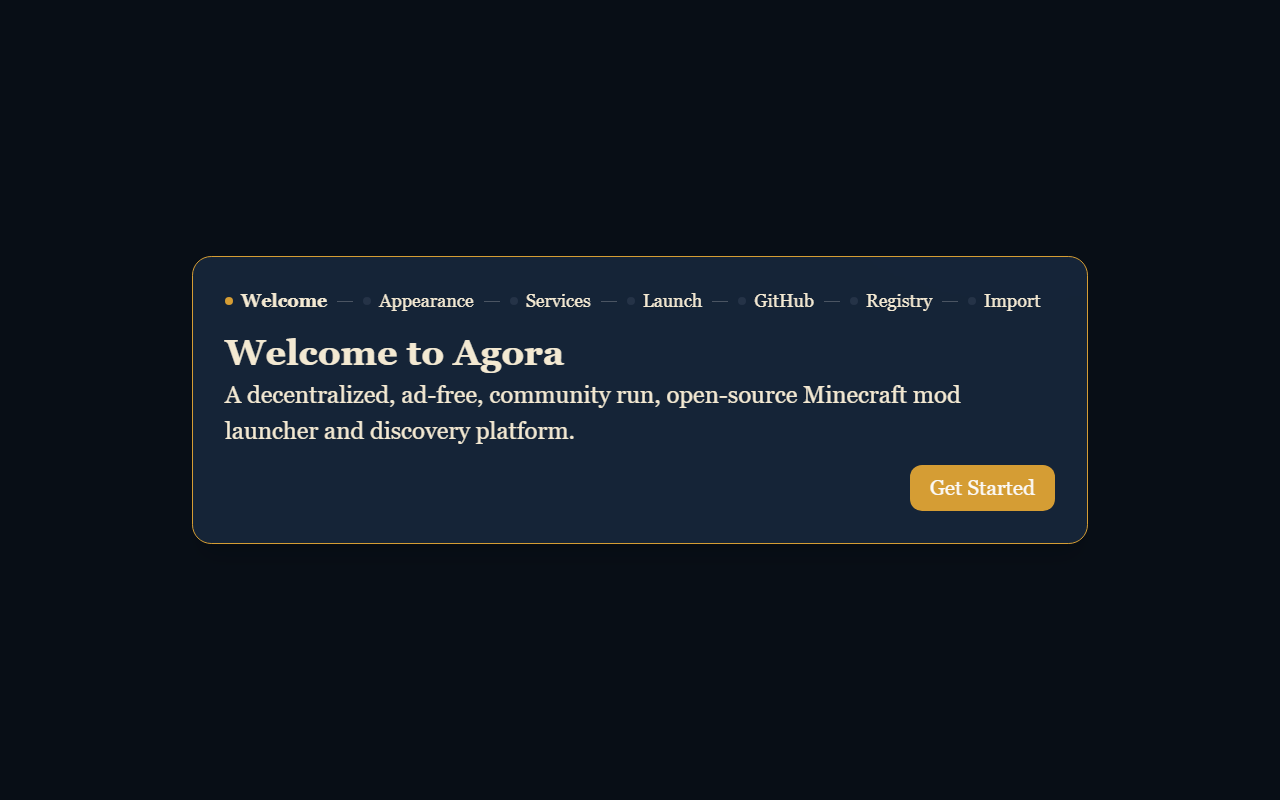
1Onboarding
The first thing you see. Onboarding asks which optional services Agora may use, finds Java, and offers to download the signed catalog. Every choice here is reversible in Settings.
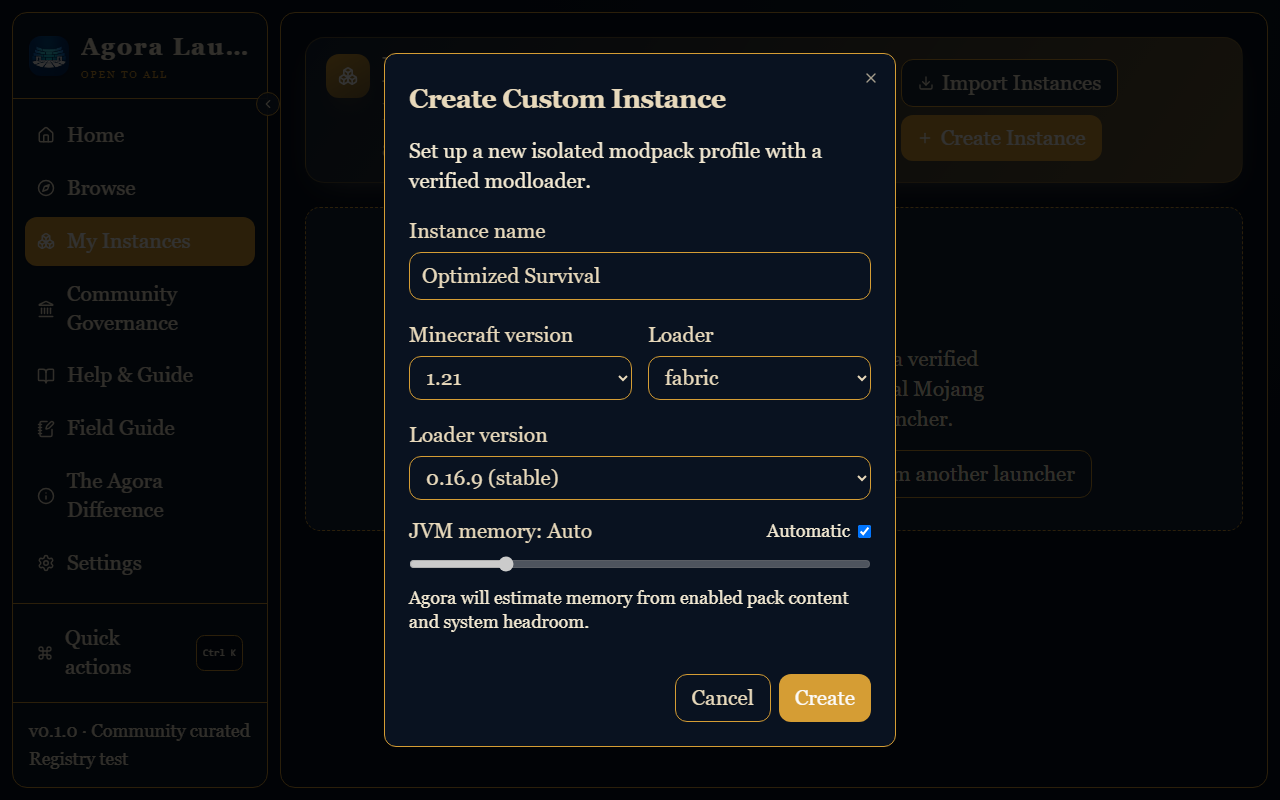
2Creating an instance
An instance is one isolated Minecraft setup with its own version, mod loader, mods, and memory. Keeping instances separate is what stops one experiment from breaking another.
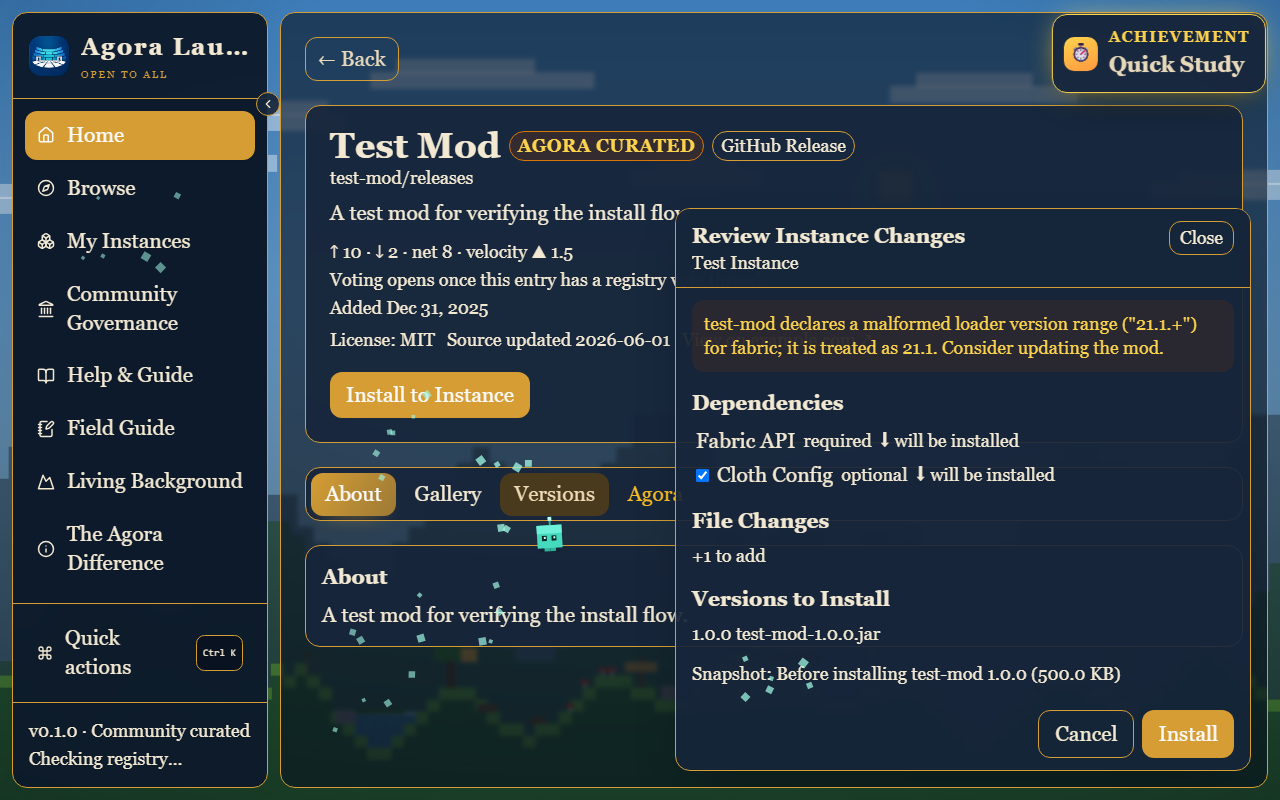
3Reviewing changes before they happen
Agora plans a content change before touching the instance, then shows you what will change, the dependencies it pulled in, the conflicts it found, and the restore point protecting the operation. The exact filenames stay one click away under Technical details.
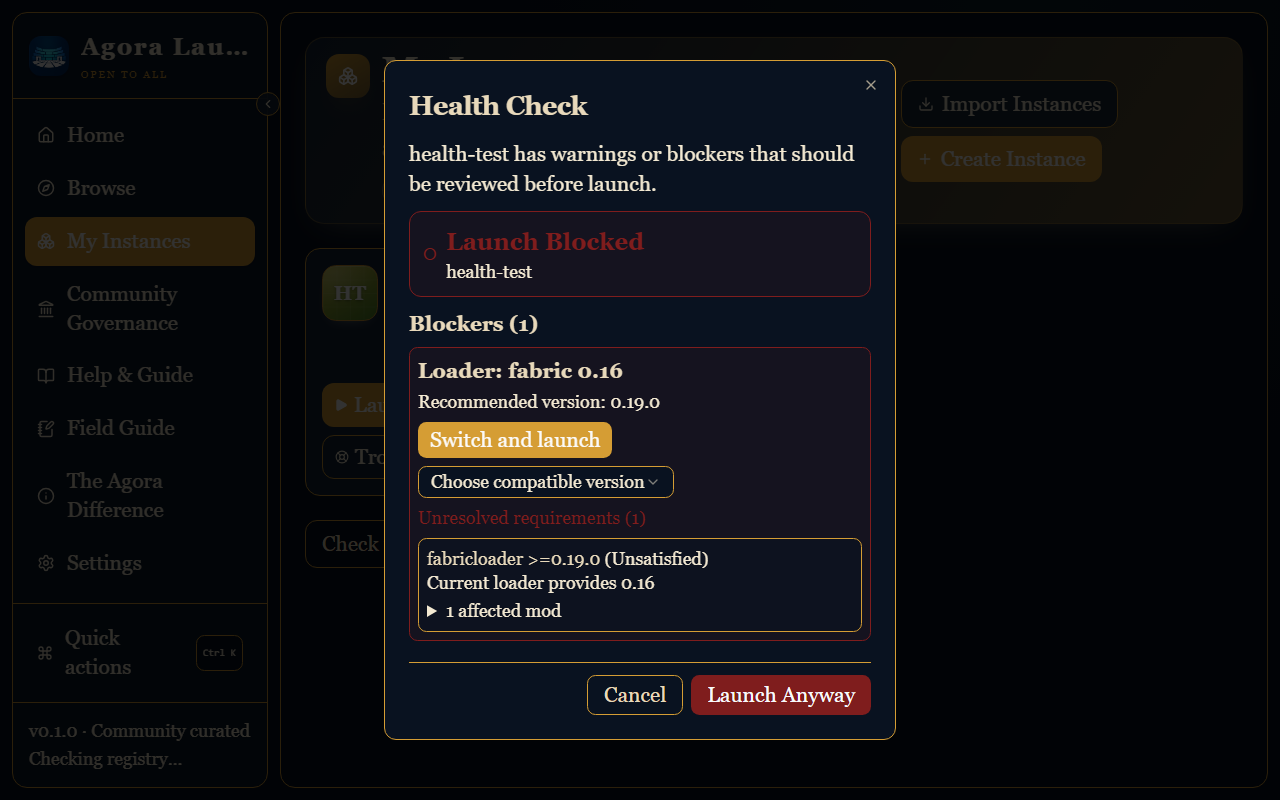
4Health checks and loader repair
Before launch, Agora checks the instance. When enabled mods need a loader version you do not have, it names a signed version that satisfies them rather than telling you to guess.
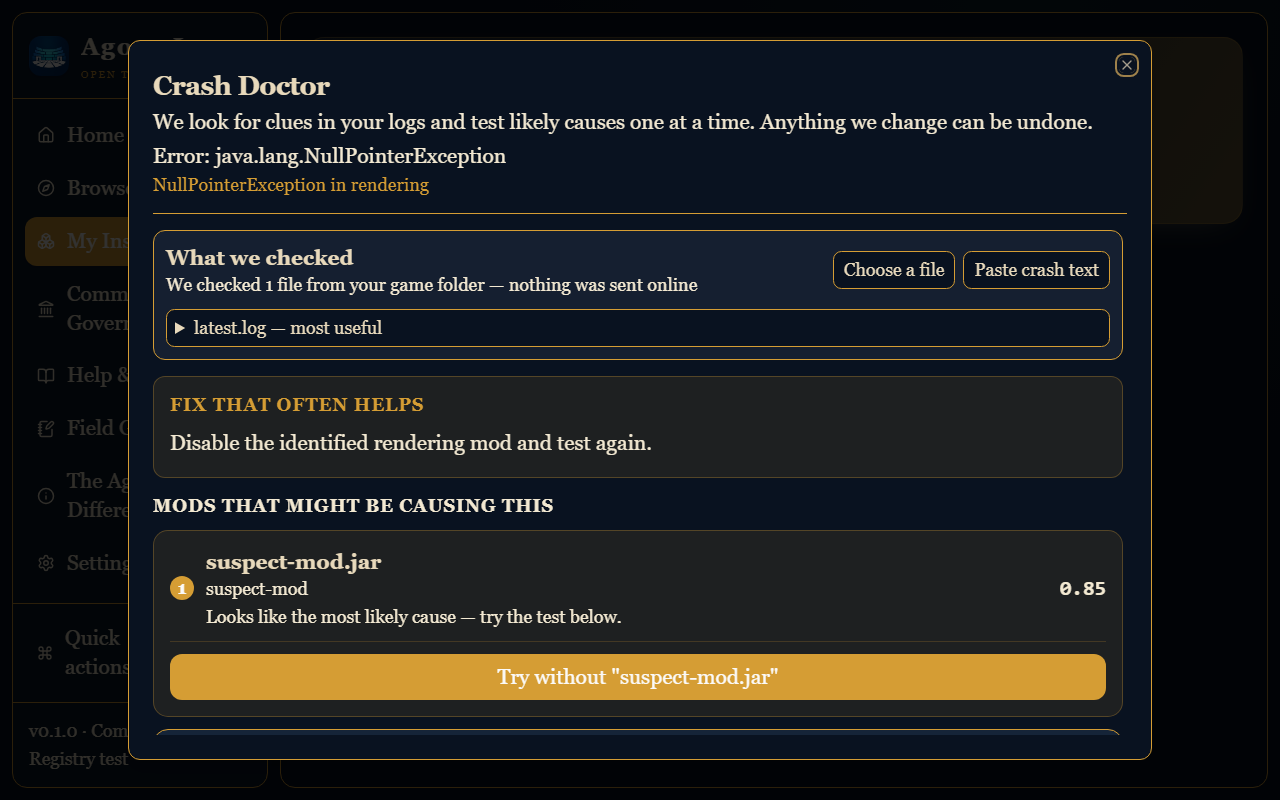
5Crash Doctor
When the game crashes, Crash Doctor reads the crash report, matches it against known signatures, and ranks the mods most likely responsible — so you test suspects instead of the whole list.
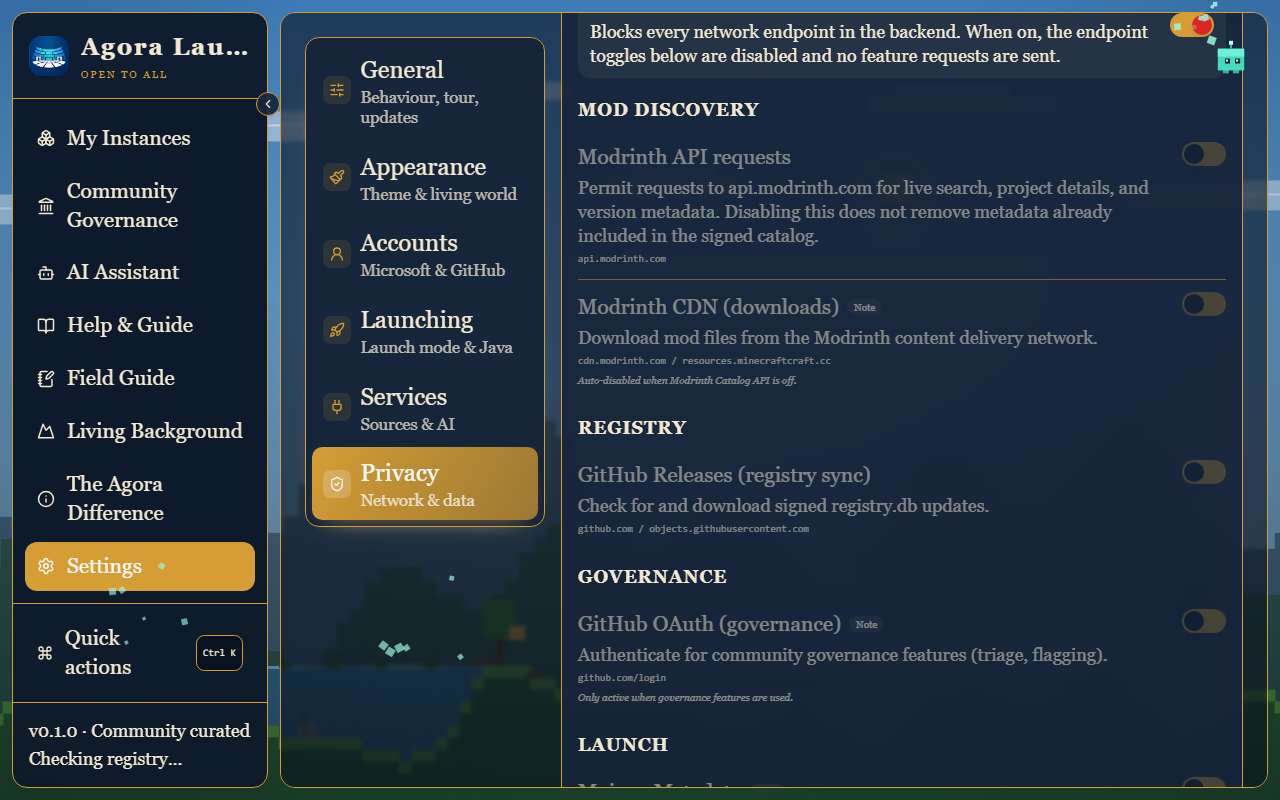
6Privacy and Lockdown Mode
Each kind of network request Agora can make has its own switch, enforced in the backend. Lockdown Mode turns all of them off at once, which is also how you force fully offline behavior.
Ready to try it?
Installing takes a few minutes. The install page offers the right download for your system and explains the release file names; the getting-started guide covers the first session.
Install Agora